 Get GridMe on Adobe Exchange
Four of us in New York. Juniors kept deleting guides before export. Locked construction layers fixed that faster than another process doc the team ignored.
Marcus Holt
Principal · Brand Practice, New York

GridMe for Adobe Illustrator
Create precise logo grids, construction guides, clearspace, and presentation layouts directly inside Adobe Illustrator.
Illustrator 2021 through 2026, macOS and Windows.
Step 1 · Open the marketplace
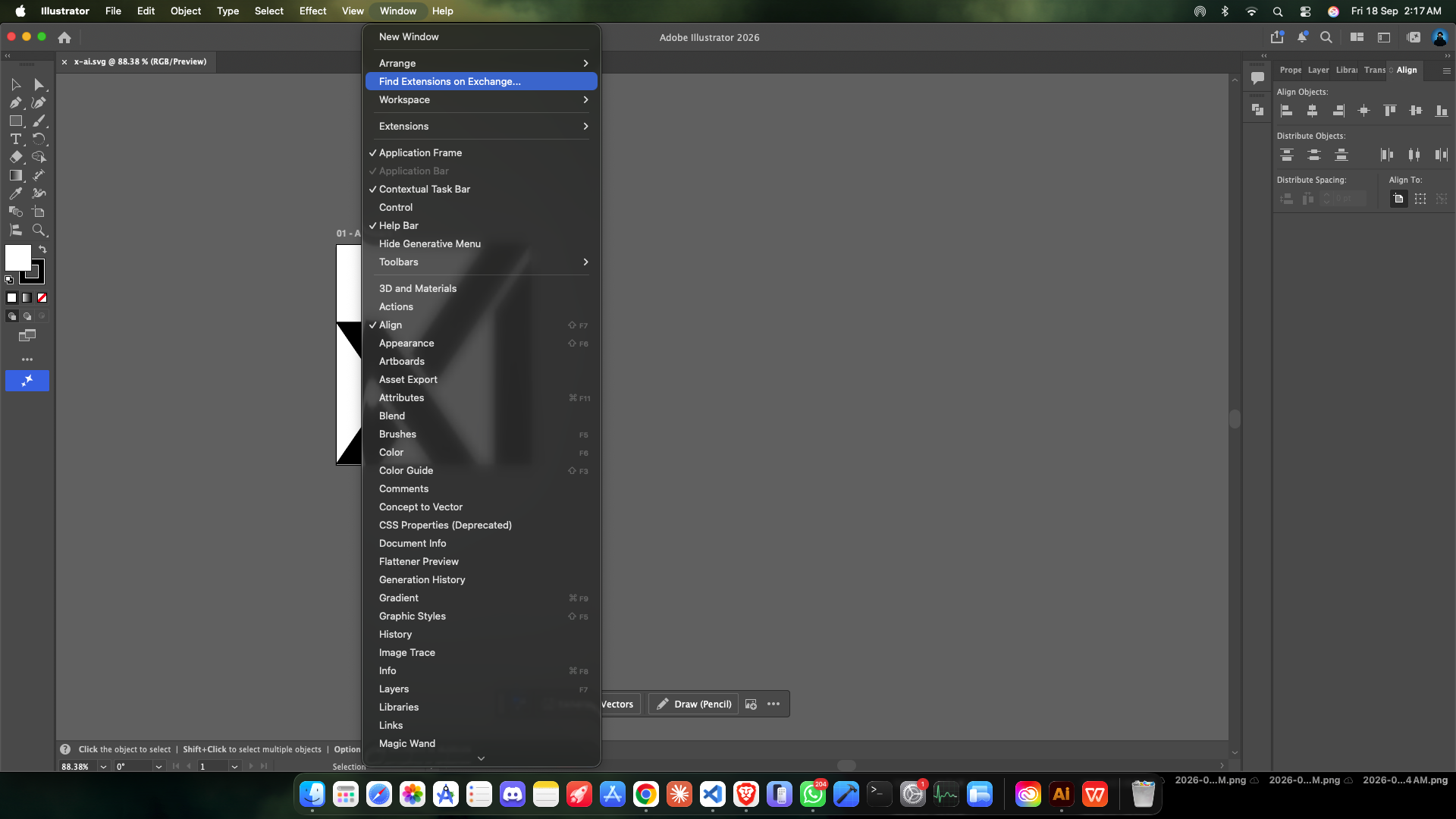
In Illustrator, go to Window → Find Extensions on Exchange. The Adobe marketplace opens in a panel right inside the app, so you never leave Illustrator.
Step 2 · Install
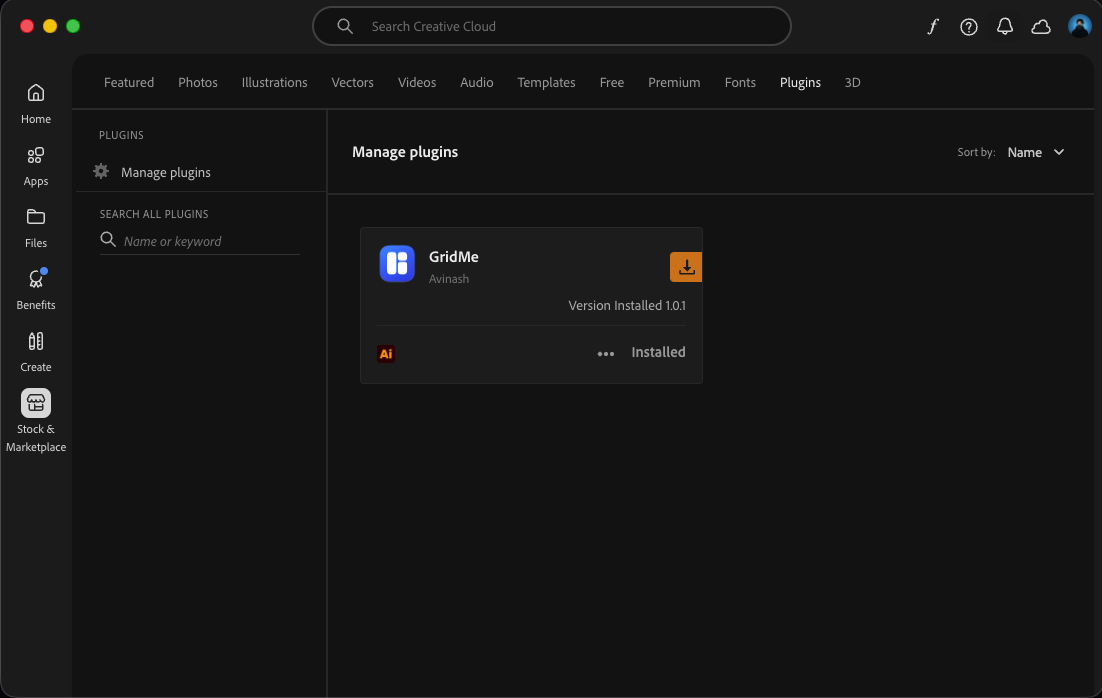
Creative Cloud downloads and installs the approved build for you. Nothing to unzip, no third-party installer, and no unknown-developer warning to click through.
Step 3 · Open GridMe
Quit and reopen Illustrator, then open Window → Extensions → GridMe. Your free 7-day Pro trial starts the first time the panel loads.
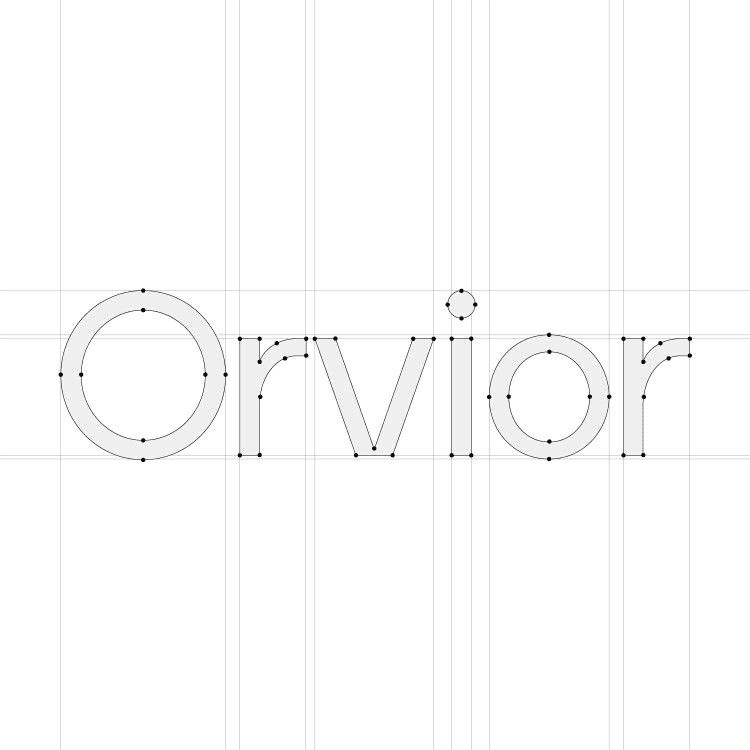
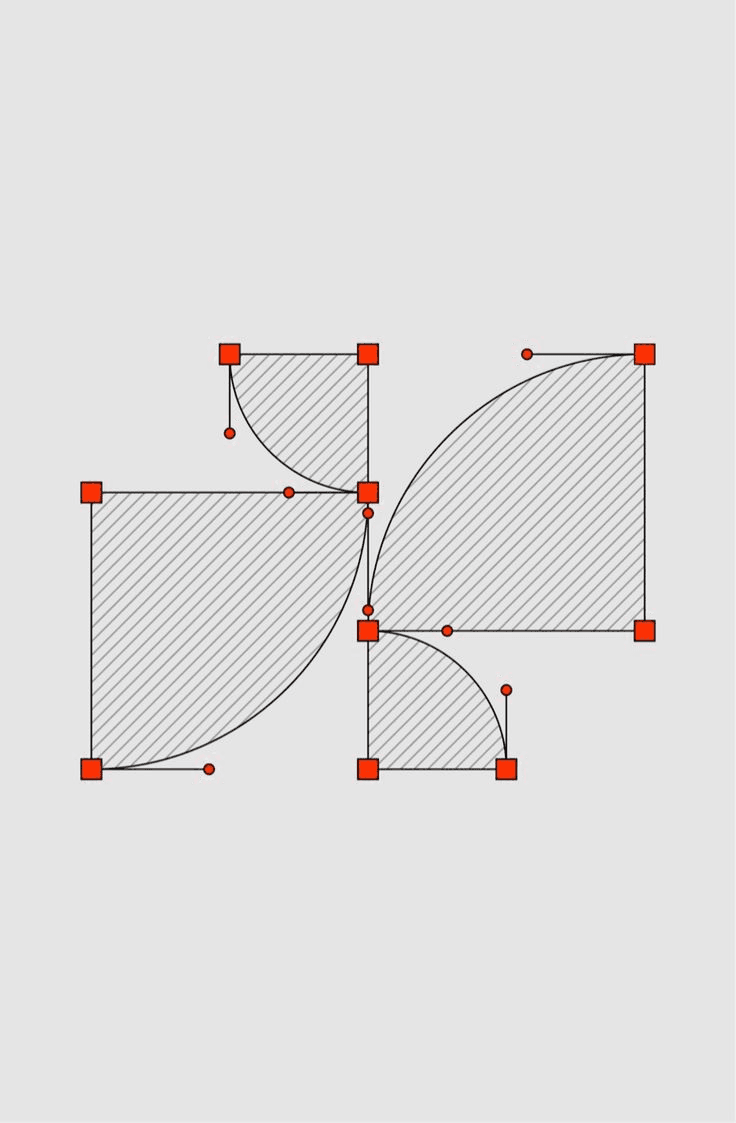
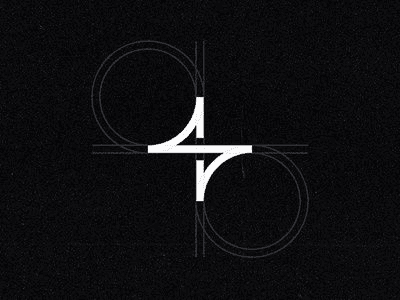
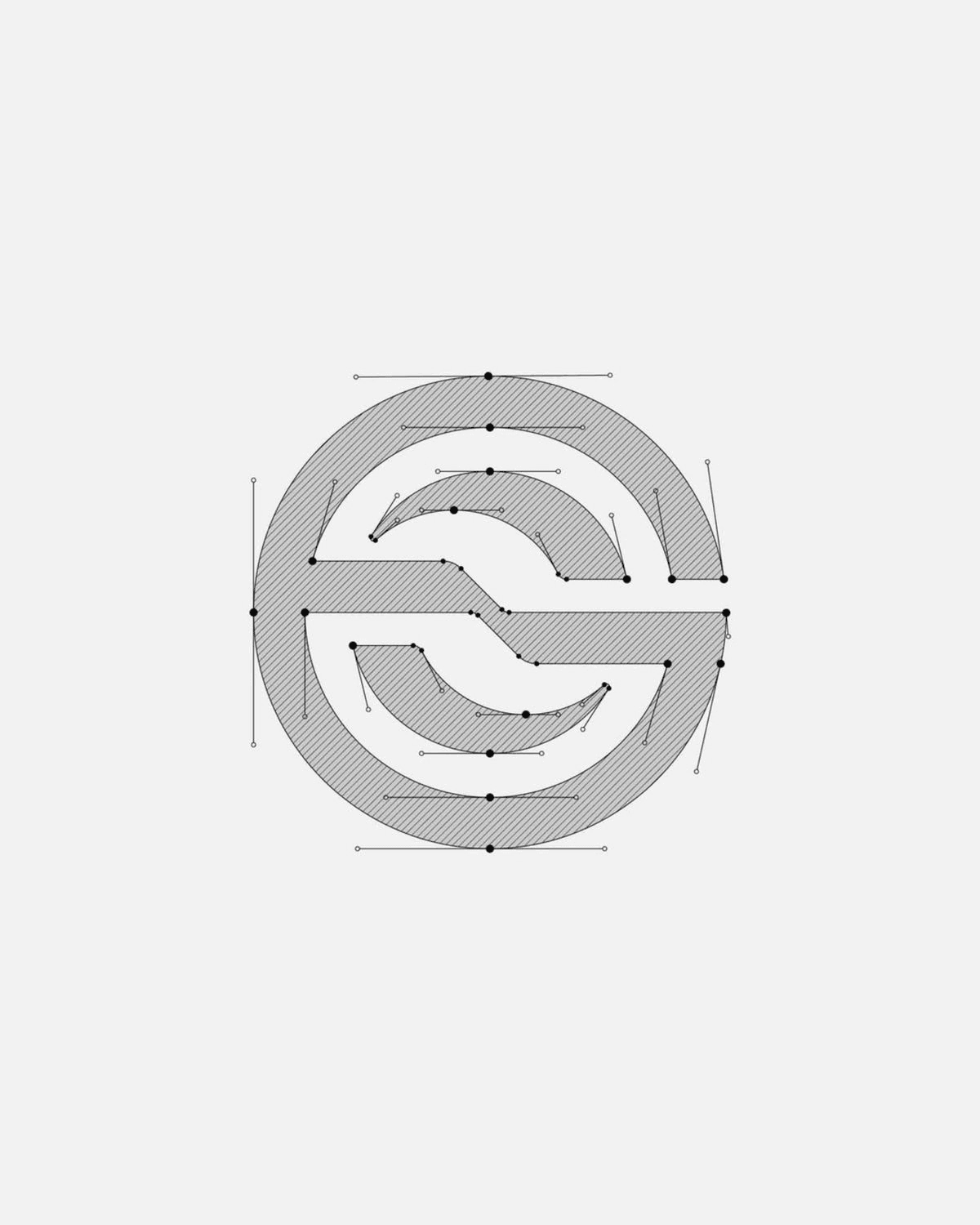
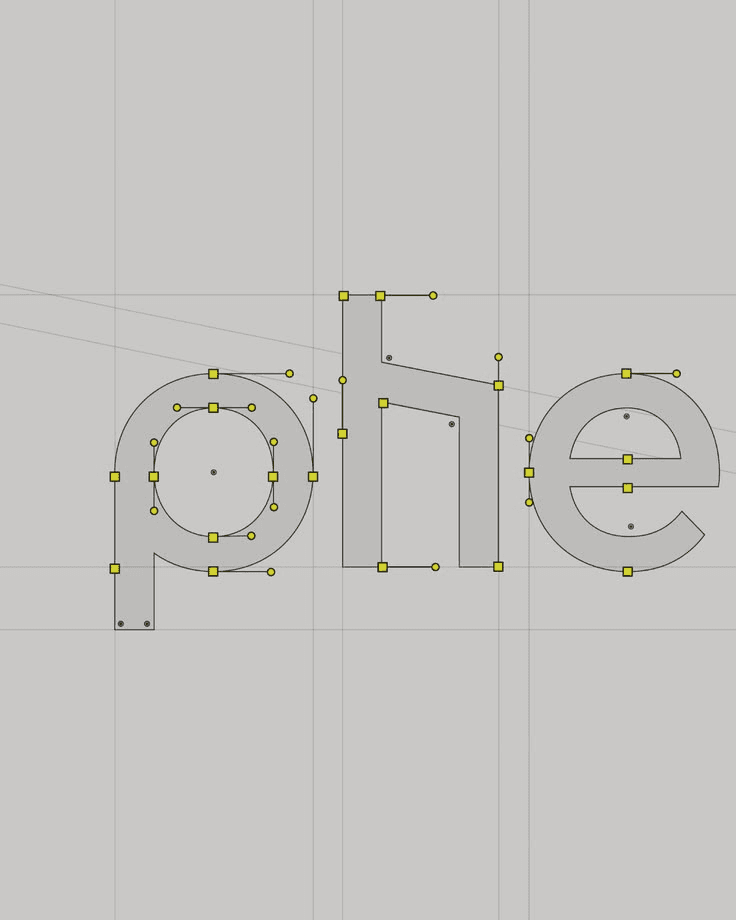
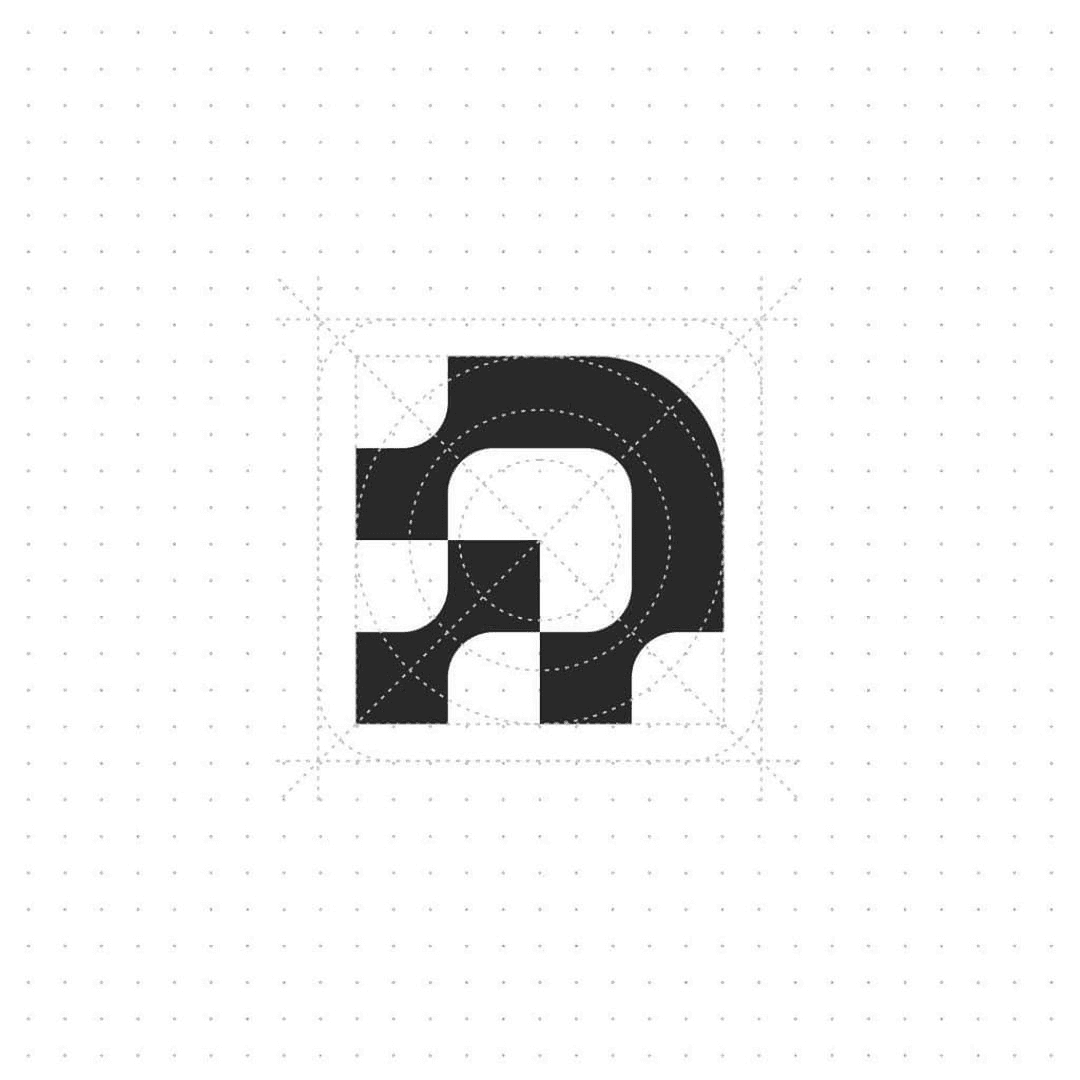
Foundation grids, construction overlays, clearspace zones, and Present sheets from identity work inside Illustrator.
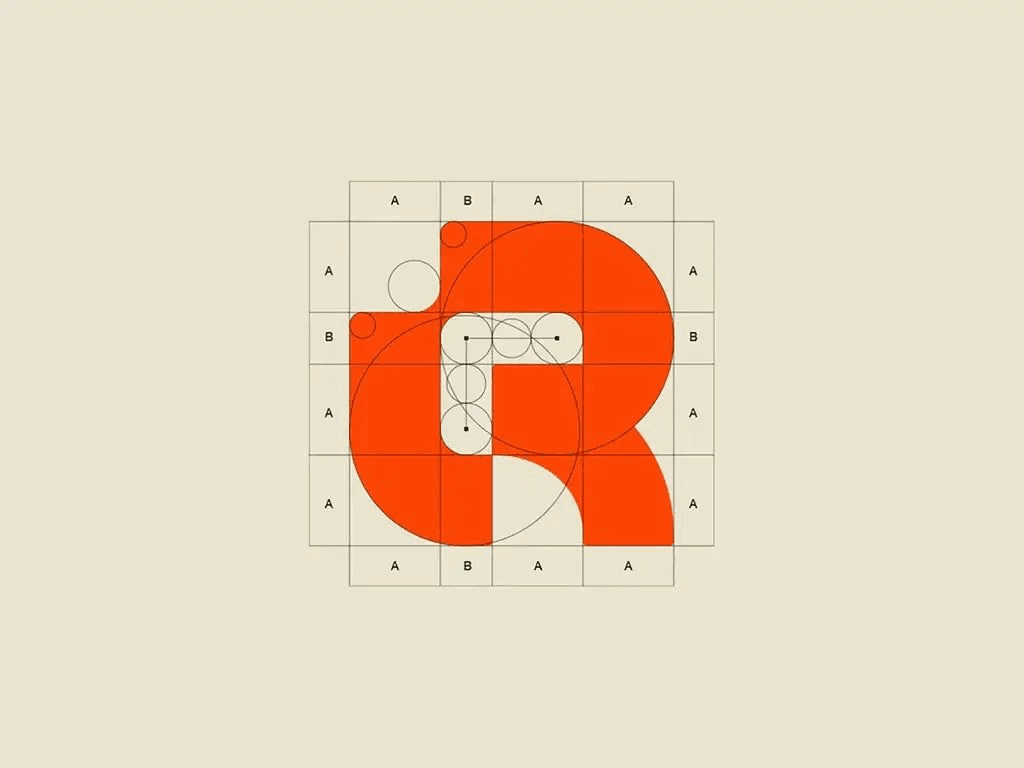
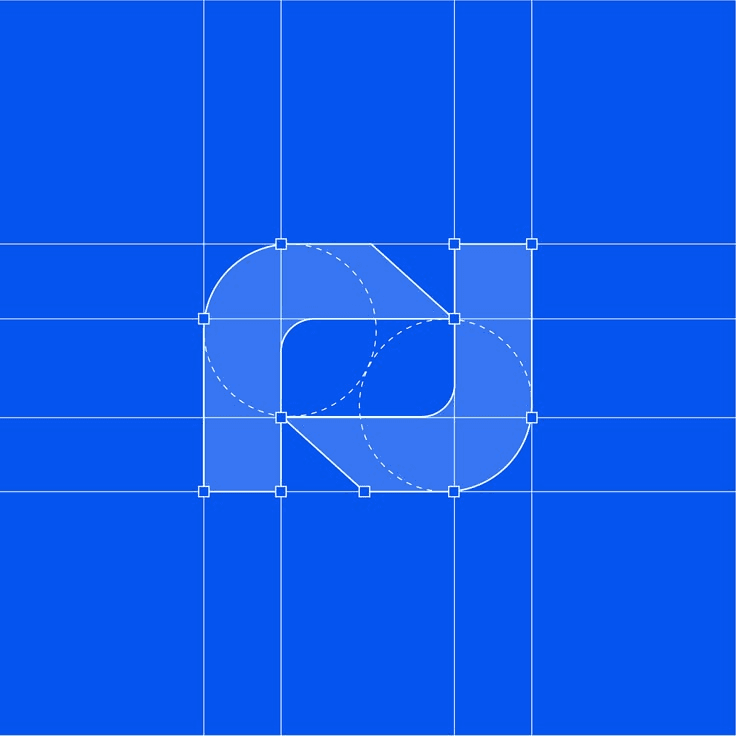
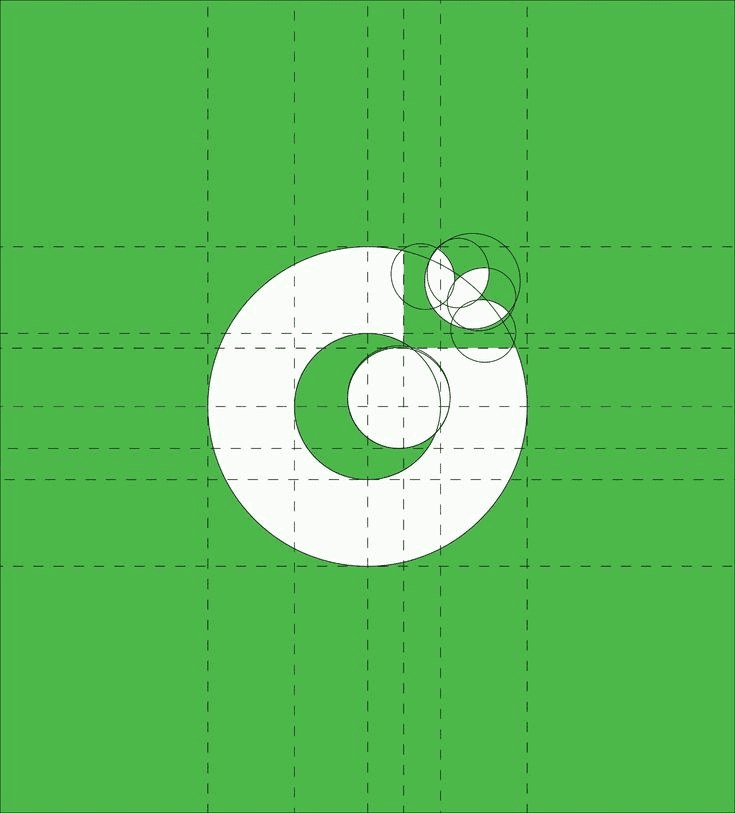
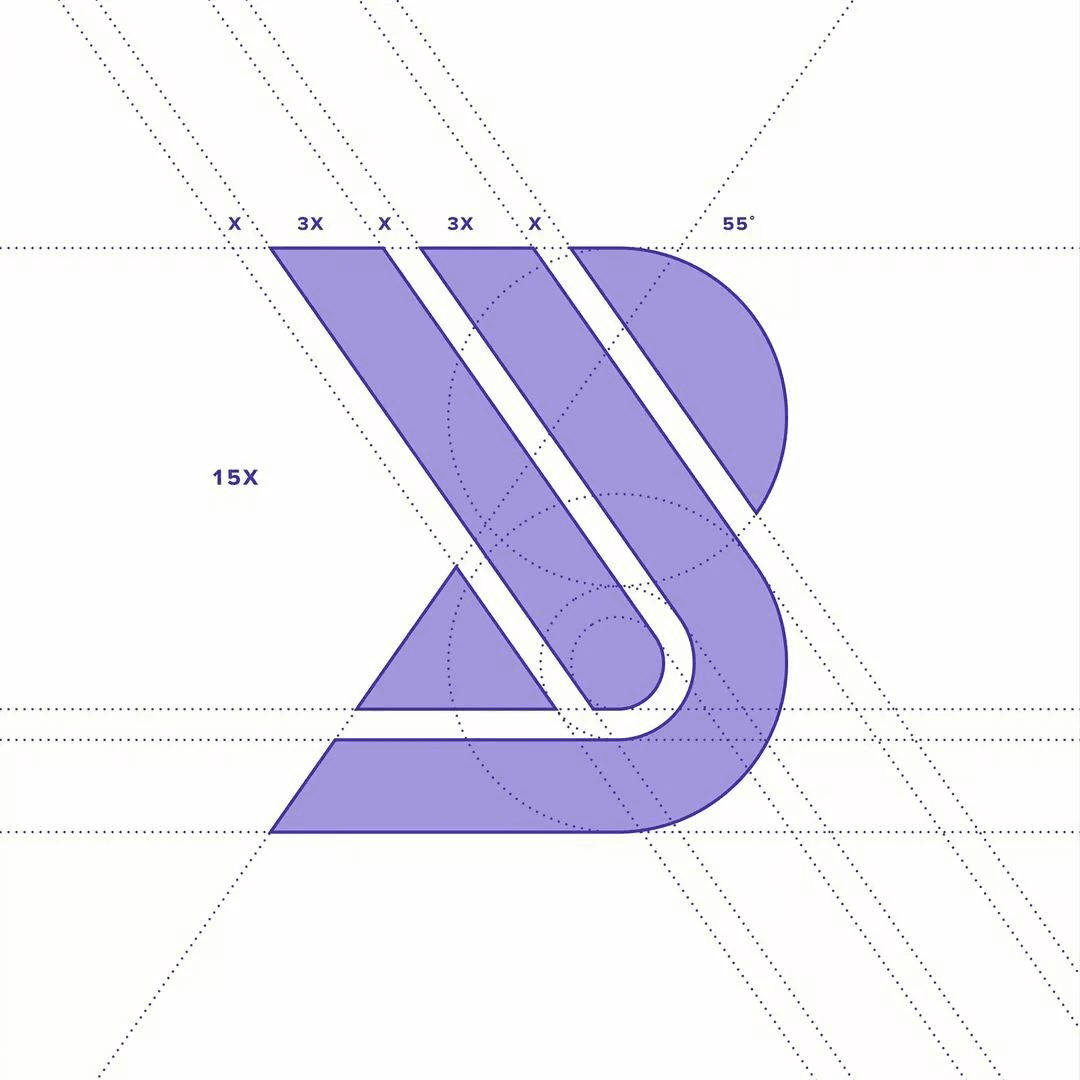


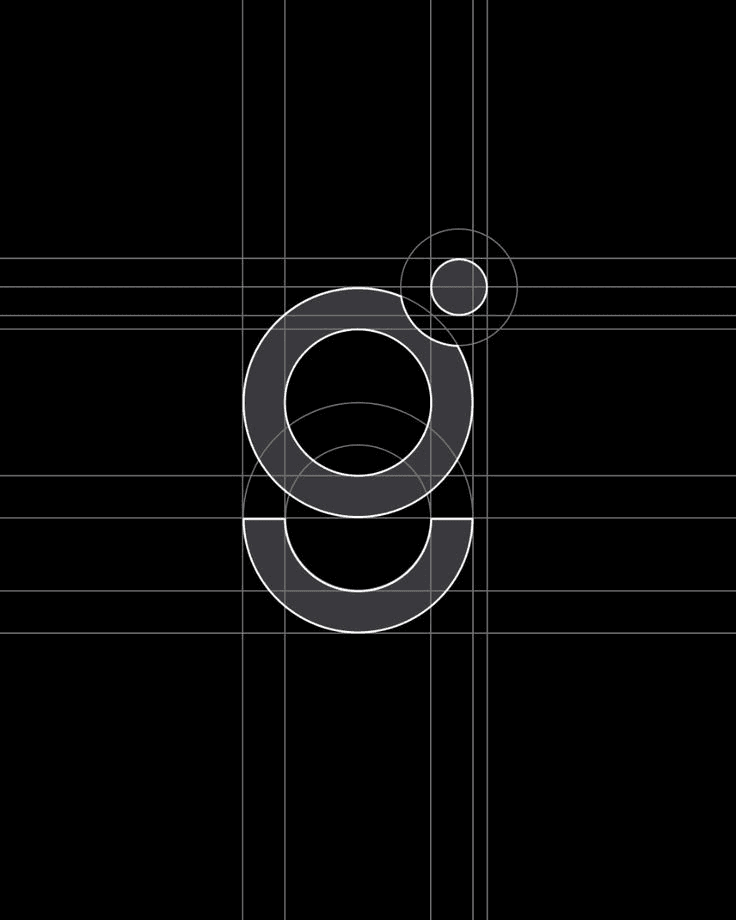

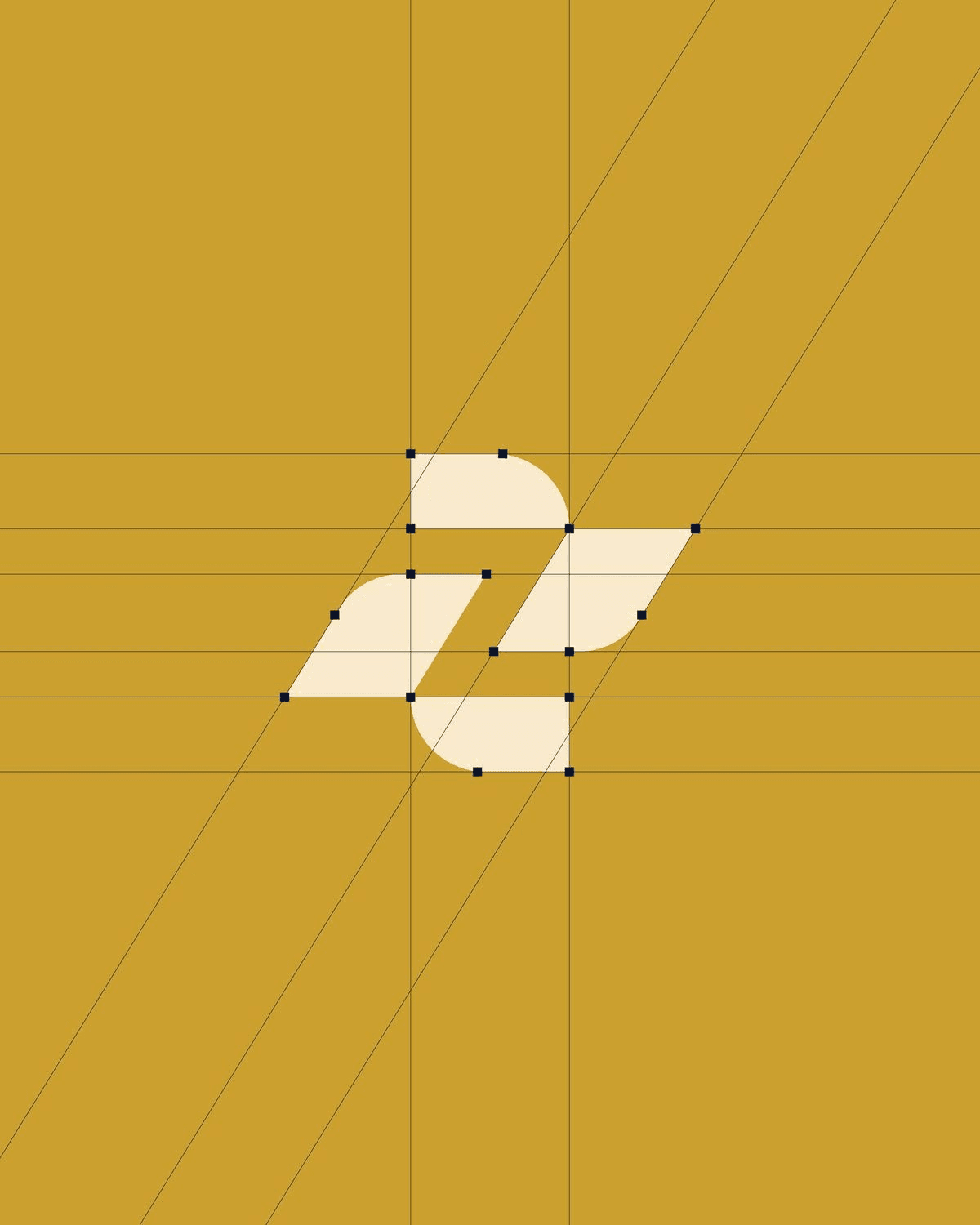

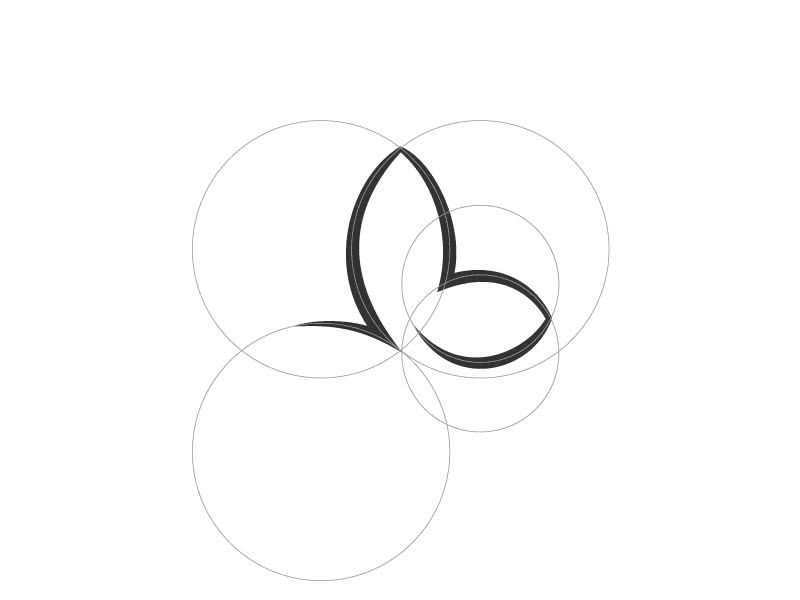
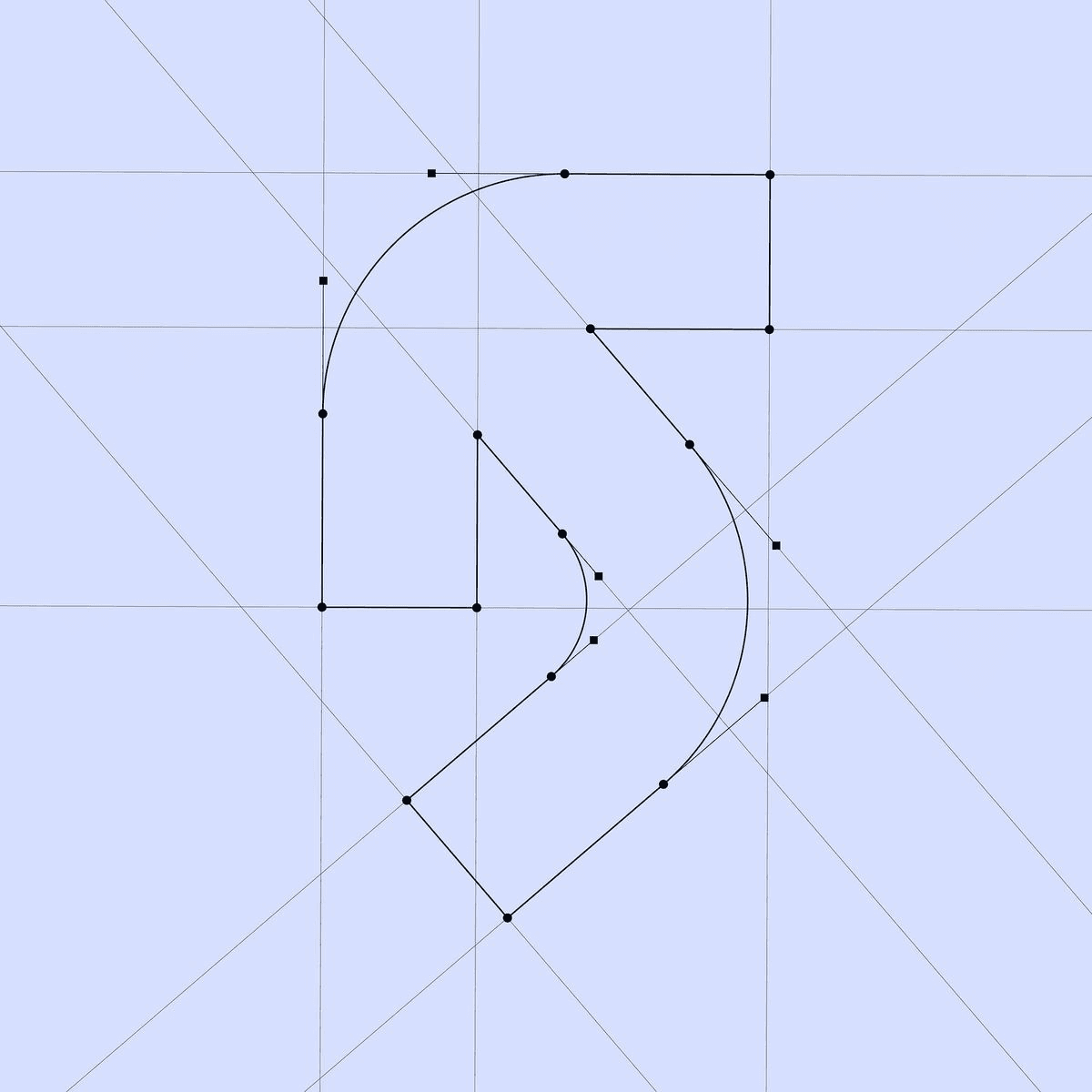
Studios and freelancers on the designer beta. Quotes from real sessions, not a marketing deck.
Four of us in New York. Juniors kept deleting guides before export. Locked construction layers fixed that faster than another process doc the team ignored.
Marcus Holt
Principal · Brand Practice, New York
Friday was grid day for me. Anchors, fitted circles, and foundation grids land on locked layers while the mark stays editable. I log off before dinner now.
Liam Brennan
Identity designer · Freelance, Dublin
Legal wanted ghost copies on the working AI file, not a guessed margin in PDF. It matches how we write exclusion zones in the brand book. Fewer review loops.
Rachel Torres
Founder · Torres Identity, Austin
Holding company brief: three sub-brands, three exclusion zones. Multi-zone clearspace beat redrawing wrappers by hand. Nothing outlined, nothing flattened.
Nadia Rousseau
Design director · Atelier Nord, Paris
I dock it under Window Extensions like any native panel. Select the art, generate, keep talking on client Zoom. No script dialog sitting over the artwork.
Carlos Mendes
Illustrator specialist · Freelance, São Paulo
Round marks: I used to eyeball fitted circles. Three-point fit on a locked overlay is what I pin in crits. Looks like the tracing I did, without the tracing time.
Sofia Lindstrom
Senior designer · Lindstrom Identity, Stockholm
I still sketch on paper for mood boards. In Illustrator I dock GridMe, run clearspace the day we sign off, and hand legal a file that matches the PDF.
Elena Marchetti
Identity designer · Studio Marchetti, Milan
Clearspace and Present sit in the same panel as construction. We stopped billing a half day just to draw wrappers and min-size blocks nobody asked for.
Tobias Keller
Creative director · Keller Studio, Berlin
Hex badge Tuesday, baseline wordmark Thursday. I doubted seven grid types until both showed up the same week. One panel, same habit, no context switching.
James Okonkwo
Logo designer · Okonkwo Marks, London
The color matrix at 11pm was my punishment. Present drops a four-up sheet on a locked layer beside construction so I quit rebuilding swatches for every deck.
Kenji Watanabe
Brand design specialist · Freelance, Tokyo
Monthly for one pharma rebrand, annual after the second. One billable hour we used to spend placing guides covers the year. My studio lead approved it same day.
Claire Beaumont
Senior logo designer · Freelance, Sydney
Three retainers, three machines. Activate each seat once, then the panel runs offline on flights. That matters more than another tab I have to babysit in a browser.
Tom Callahan
Illustrator specialist · Contract identity, Chicago
Pricing, trials, locked layers, offline use, and what happens to your artwork when you generate.
Yes. The trial starts automatically the first time you open the panel. When it ends, Base stays unlocked. Pro tabs show a lock until you subscribe or enter a license key.